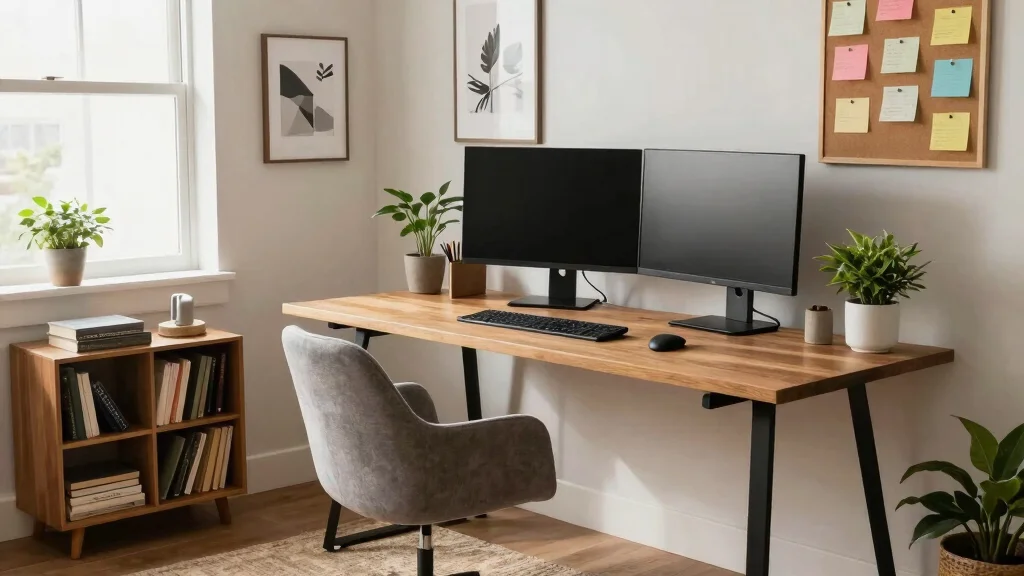
The world of remote work has changed how we think about productivity spaces. Setting up a desk with two monitors can elevate your workflow, making it easier to multitask and stay organized. I created this post because I know many people struggle with finding the balance between style and functionality when designing their workspace. Whether you’re setting up in a small home office or carving out a corner in your living room, the right two monitors desk setup can make all the difference.
If you’re someone who wants to boost productivity while still keeping your space aesthetically pleasing, you’re in the right place. This guide is specifically for those who appreciate home decor that combines beauty with practicality. I pulled together 16 unique desk setups that are not only practical but also visually appealing, perfect for enhancing your dual monitor workspace. Each idea is designed to inspire you and help you create a comfortable and efficient ergonomic workstation setup.
From minimalist designs to cozy corners, this post will give you a variety of options that cater to different tastes and spatial needs. You’ll discover how to organize your home office effectively while maximizing your productivity. Get ready to explore some multi-screen productivity solutions that can transform how you work!
Key Takeaways
– A two monitors desk setup increases productivity by allowing you to multitask efficiently without clutter.
– Each of the 16 ideas showcased focuses on ergonomic design principles, ensuring comfort during long work hours.
– Small spaces can be transformed with clever design choices, including compact and stylish arrangements that fit your needs.
– Personal touches and decor choices play a vital role in creating an inviting atmosphere, which can further enhance your focus.
– Practical tips and tricks are included in each setup to help you implement the ideas effectively and boost your workflow.
1. Minimalist Dual Monitor Haven
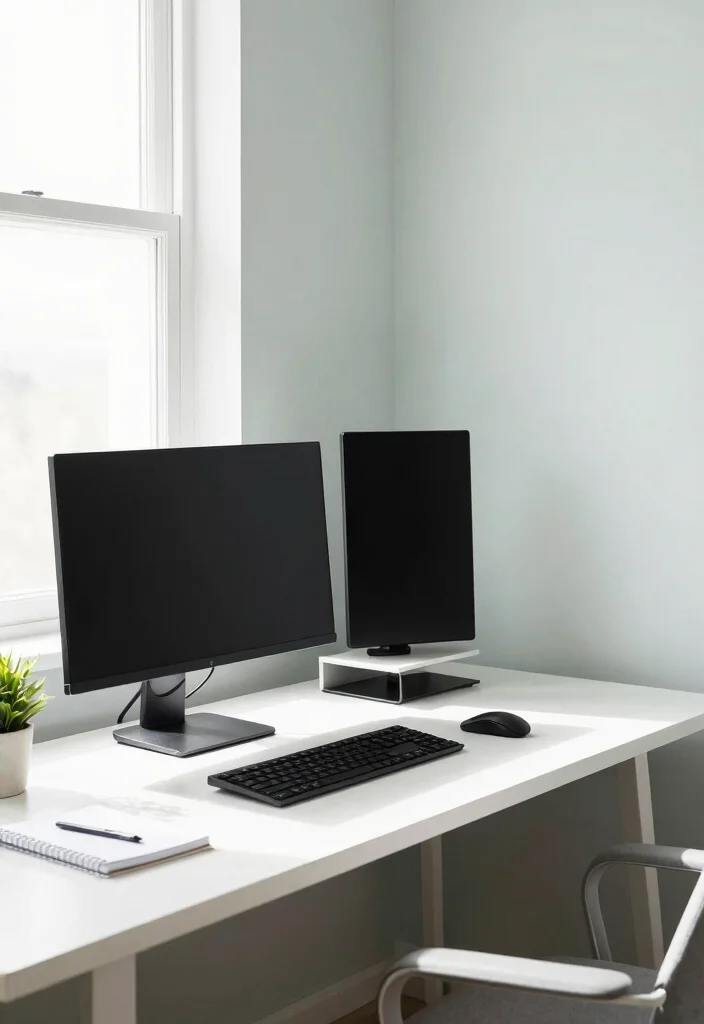
A minimalist dual monitor setup embodies the philosophy of ‘less is more.’ Using a clean, white desk with sleek black monitors creates a striking contrast that feels contemporary and chic. This design fosters visual harmony, allowing you to focus on your work without the chaos of clutter. Imagine a workspace that features just a laptop stand and a couple of decorative plants, making it feel both serene and functional.
To implement this aesthetic, begin by decluttering your desk of all unnecessary items. Position your monitors at eye level for comfort and to promote good posture. For a tidy look, consider under-desk storage solutions and cable organizers to keep cords out of sight, enhancing the overall tranquility of your workspace.
Consider these elements to maximize this palette’s potential:
– Pair a white desk with black monitors for contrast
– Install a sleek laptop stand for ergonomic comfort
– Use small potted plants to add a touch of greenery
– Employ cable management solutions to reduce visual clutter
This minimalist approach not only brings clarity to your workspace but also ensures that textures and materials enhance the calm, focused atmosphere.
Minimalist Dual Monitor Haven
Editor’s Choice




How To Choose The Right Two Monitors Desk Setup
When you’re looking to create the perfect two monitors desk setup, there are several factors to consider. This setup can greatly improve your productivity and comfort, especially in small spaces. Let’s break down the key elements you’ll want to think about when making your selection.
1. Space Availability
Before anything else, check how much space you have. Measure your desk area to see what size of monitors you can fit. You might want a compact dual monitor setup if you’re working with limited space. Remember to leave enough room for your keyboard and other essentials. A well-planned arrangement can help prevent clutter and make your workspace more functional.
2. Monitor Size
Choosing the right monitor size is crucial. Generally, 24 to 27 inches is ideal for dual setups. Larger screens can enhance your viewing experience but may take up more room. Consider how far you’ll be sitting from the monitors. A good rule of thumb is to sit about an arm’s length away. This distance will help reduce eye strain and maintain comfort.
3. Ergonomics
An ergonomic workstation setup is vital for your health. Look for adjustable monitor stands that allow you to position screens at eye level. This setup helps prevent neck and back tension. You can also opt for a sit-stand desk to switch positions throughout the day. Ensuring your workspace promotes good posture is essential for long-term comfort and productivity.
4. Cable Management
Keeping cables organized can significantly impact the aesthetics and functionality of your workspace. Look for desks with built-in cable management systems or invest in cable sleeves and clips. This not only keeps your area tidy but also reduces distractions. A clean workspace can help you focus better and feel more in control of your environment.
5. Monitor Type and Features
Different monitor types serve various purposes. Decide if you need IPS panels for better color accuracy or standard TN panels for faster response times. Also, consider features like built-in blue light filters, which can help reduce eye strain. If you enjoy gaming or graphic design, look for higher refresh rates and resolution options. These considerations will elevate your dual monitor workspace experience.
6. Budget
Lastly, keep your budget in mind. Quality monitors and ergonomic furniture can be an investment. Determine how much you’re willing to spend on this setup. There are options available at various price points, so research and compare features to find the best fit for your needs. Sometimes, spending a bit more upfront can lead to better comfort and productivity long-term.
Pro Tip: Don’t hesitate to visit stores to see monitors in person. This helps you gauge the size and features better. Plus, trying out different ergonomic setups can give you a feel for what works best for you!
By thoughtfully considering these factors, you can create a two monitors desk setup that not only improves your workflow but also enhances your workspace aesthetics. Make choices that reflect your personal style while ensuring comfort and functionality. With the right setup, you’ll find that your productivity can soar!
2. Industrial Chic Workspace
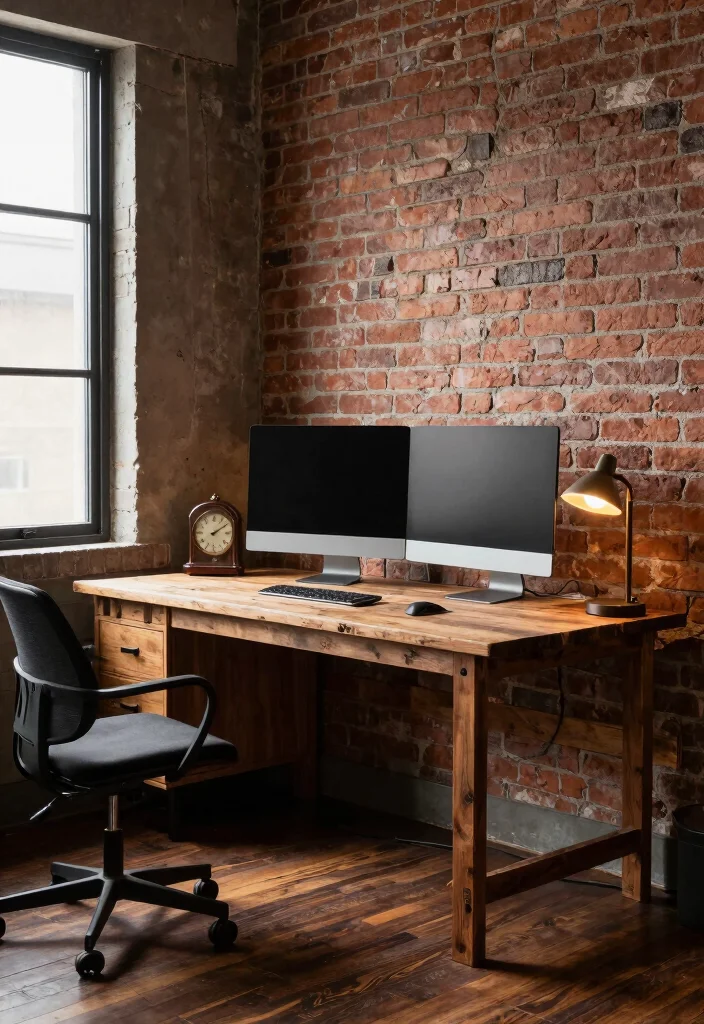
An industrial chic workspace marries ruggedness with sophistication, creating a unique dual monitor setup. Featuring exposed brick walls and reclaimed wood desks, this design uses natural materials and metal accents to inspire creativity. The combination creates an inviting atmosphere where productivity thrives, inviting you to embrace the charm of vintage elements.
For a successful setup, opt for a sturdy desk with a raw wood finish and minimal bezel monitors. Enhance the space with vintage decor, like an antique clock or classic lamp, to deepen the industrial feel. Floating shelves can be a smart addition, providing storage without sacrificing the open ambiance of your workspace.
Incorporate these elements for a stylish industrial look:
– Use reclaimed wood desks paired with metal accents
– Install vintage decor for added character
– Incorporate ample natural light for a warm environment
This industrial approach not only fosters a creative workspace but also highlights how textures and materials can enhance your overall design.
Industrial Chic Workspace
Editor’s Choice


3. Cozy Corner Nook
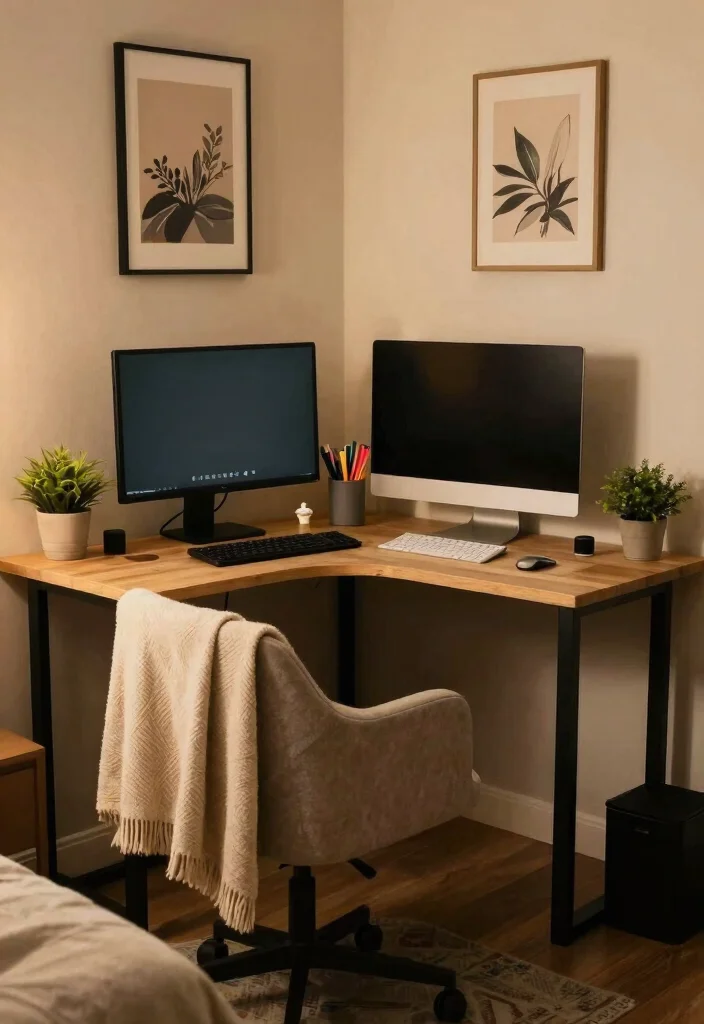
Transforming a small corner into a cozy nook with a dual monitor setup can create an inviting retreat for creativity. A corner desk optimizes your space while providing a personal haven that feels warm and welcoming. Soft lighting, comfortable seating, and personal decor can make this setup feel like a cherished sanctuary.
To create your cozy nook, select a corner desk that fits snugly and allows easy access to both monitors. Utilize warm-toned lighting to foster a relaxing ambiance. Adding cushions or a throw blanket will enhance comfort, while shelves filled with books or art can inspire creativity and keep your space organized.
Consider these design elements for your cozy nook:
– Choose a corner desk that maximizes your workspace
– Incorporate a comfy chair or small sofa for relaxation
– Use personal decor items to inspire creativity
This cozy approach not only enhances your productivity but also emphasizes how textures and materials can create a warm and inviting atmosphere.
4. Nature-Inspired Workspace
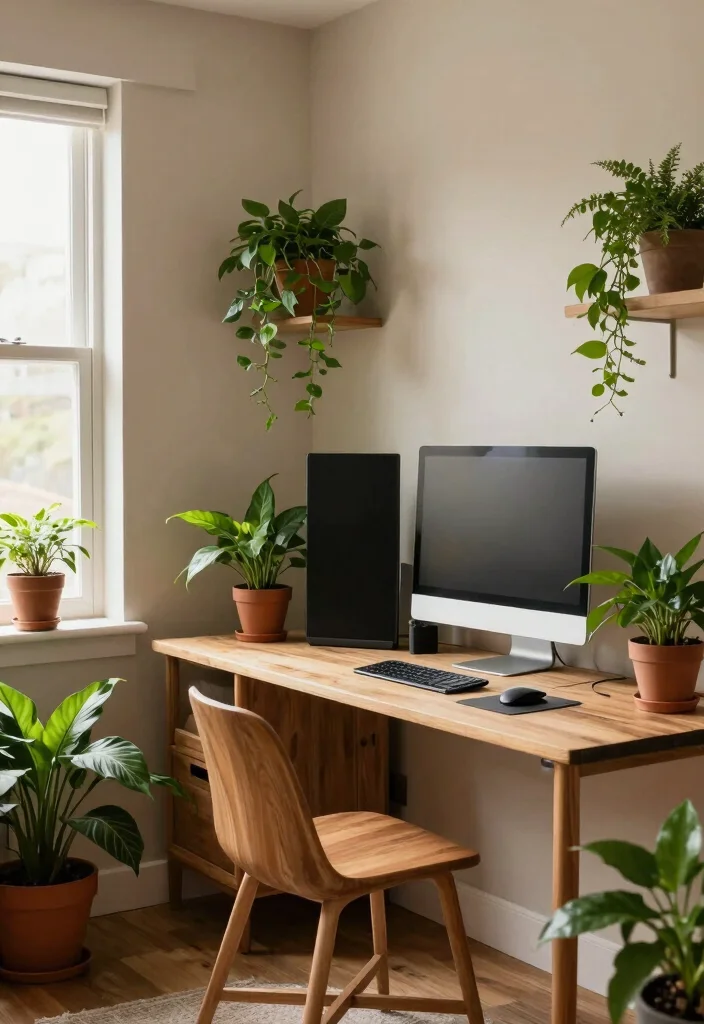
A nature-inspired dual monitor setup brings the serene beauty of the outdoors into your workspace. By incorporating earthy tones, wooden accents, and a variety of plants, you create a refreshing environment that promotes calm and focus. This design is perfect for those who thrive in tranquil surroundings while they work.
To achieve this natural aesthetic, use furniture made from wood with a natural finish and add decorative elements like stone paperweights or clay pots. Arrange plants at varying heights around your workspace to create depth and visual interest. An earthy color palette featuring greens, browns, and creams can enhance the soothing environment while a soft area rug adds comfort.
Incorporate these nature-inspired elements:
– Use wooden furniture with a natural finish
– Arrange plants of various heights around the workspace
– Stick to an earthy color palette for a calming effect
This nature-inspired setup not only enhances your workspace’s aesthetic but also highlights how textures and materials can contribute to a peaceful atmosphere.
A nature-inspired two monitors desk setup turns your small-space workspace into a calm, productive zone. Add wooden accents, earthy tones, and a few plants—your focus and mood will thank you.
5. Bright and Colorful Workspace
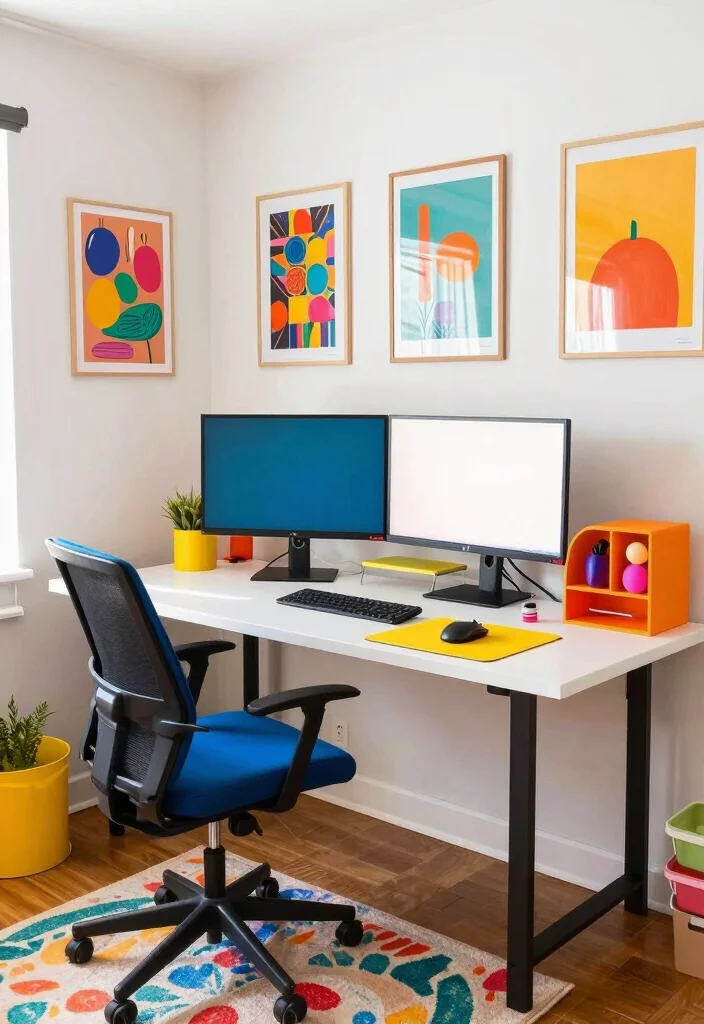
If you thrive in a lively environment, a bright and colorful dual monitor setup might be the perfect match for you. This design features vibrant colors, playful decor, and cheerful accents that invigorate your workspace, sparking creativity and keeping energy levels high throughout the day.
To bring this setup to life, choose a desk in a bold color or accessorize with bright items like a colorful mouse pad and fun desk organizers. Hang inspiring art or posters that resonate with you on the walls, and consider adding playful desk toys to break the monotony of work sessions. A colorful area rug can tie the entire space together, adding a pop of fun.
Implement these lively features for a vibrant workspace:
– Choose a desk in a bold color for a statement
– Incorporate colorful accessories for a playful vibe
– Hang inspiring art to motivate and energize
This bright and colorful workspace not only enhances your creativity but also illustrates how vibrant textures and materials can uplift your design.
6. Dual Monitor Setup with Smart Tech
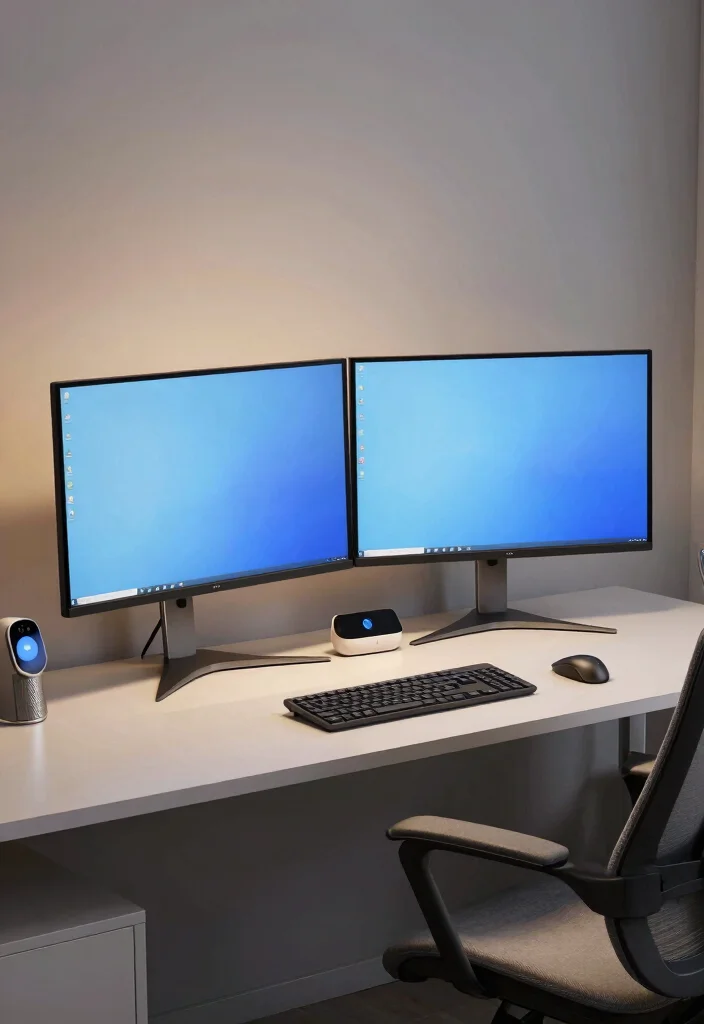
Elevate your workstation with smart technology that enhances your dual monitor setup. Integrating smart lighting, voice-activated assistants, and ergonomic tools improves functionality while contributing to a sleek, modern aesthetic. This tech-savvy workspace is perfect for those who appreciate innovative solutions to boost productivity.
For this setup, invest in smart bulbs that adjust brightness and color temperature via an app. Set up a voice assistant on your desk to streamline tasks without disrupting your workflow. Include an ergonomic chair and keyboard to ensure comfort during long hours, while smart organization tools like cable management boxes keep your space tidy and efficient.
Consider these smart tech features for your workspace:
– Invest in smart bulbs for adjustable lighting
– Set up a voice assistant for hands-free convenience
– Use ergonomic tools to enhance comfort and efficiency
This modern approach not only enhances your productivity but also showcases how well-chosen textures and materials can elevate your workspace design.
Fun fact: Smart lighting in a two monitors desk setup can boost focus by up to 20% and reduce eye strain by 30%. Let bulbs adjust brightness and color temperature via an app, while a voice assistant handles tasks—creating a sleeker, more productive workspace.
7. Scandinavian Design Workspace
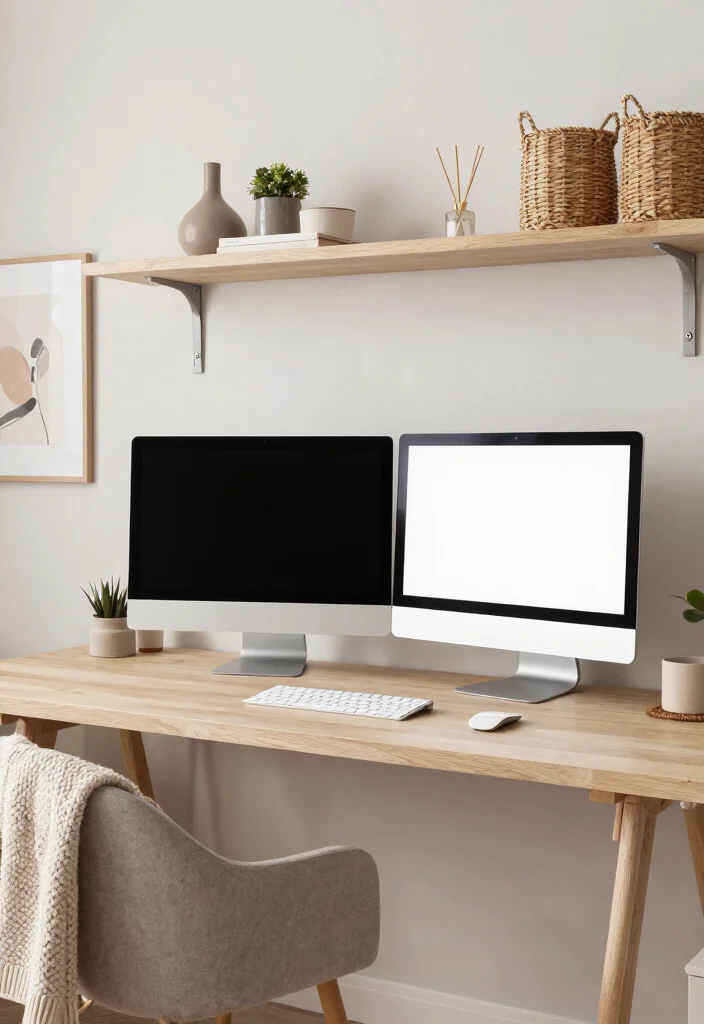
Scandinavian design emphasizes simplicity and functionality, making it an ideal style for a dual monitor setup. This approach focuses on clean lines, neutral colors, and natural materials that create a calming workspace. Whether you’re working on your laptop or managing tasks across two screens, this setup promotes tranquility and concentration.
To achieve this look, select a light wood desk with a smooth finish and pair it with white or pastel accents. Open shelving helps keep items organized without cluttering the space. Incorporate textured elements like a knitted throw or woven baskets to add warmth, while minimalistic art pieces serve as focal points without overwhelming the room.
Incorporate these Scandinavian elements into your workspace:
– Choose a light wood desk with smooth finishes
– Use open shelving for organized storage
– Add textured elements for warmth and comfort
This Scandinavian approach not only fosters a peaceful workspace but also highlights how design simplicity can enhance overall aesthetics.
8. Compact Dual Monitor Solutions
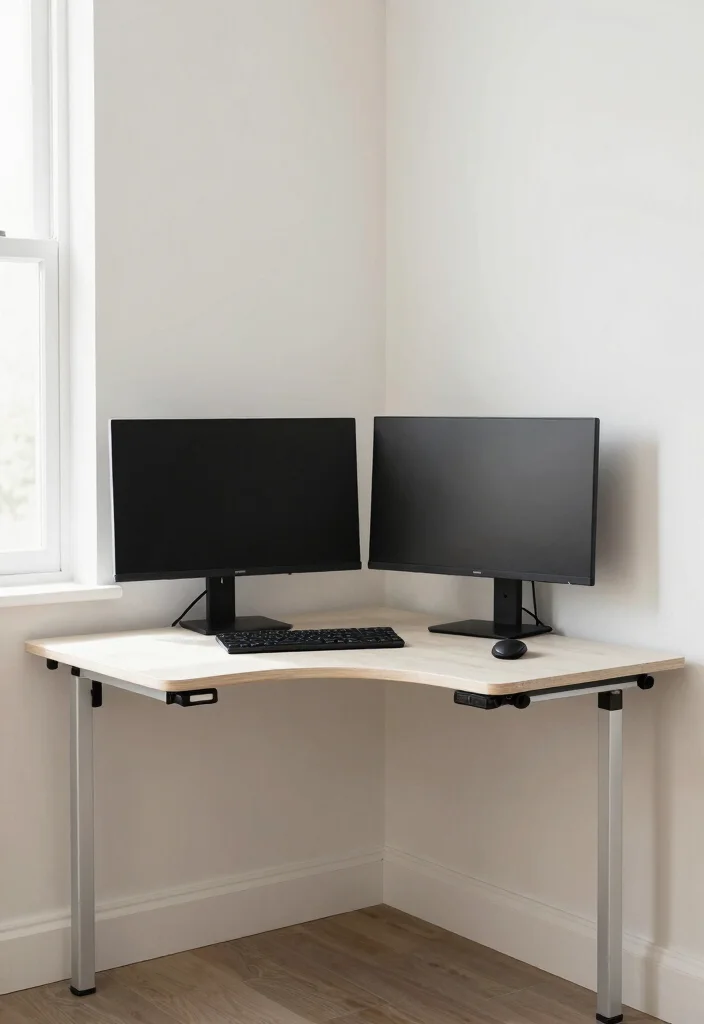
When space is at a premium, finding compact solutions for your dual monitor setup is essential. A foldable desk or wall-mounted monitors can conserve precious space while still providing functionality. This setup is ideal for small apartments or home offices where every inch counts.
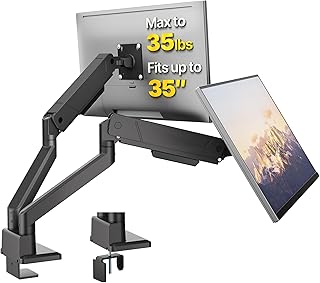
To create this efficient workspace, look for a foldable desk that can be tucked away when not in use, or choose a wall-mounted option for a sleek appearance. Utilize monitor arms to adjust the height and position of your screens for better ergonomics. Incorporate cable management solutions to keep cords hidden, ensuring your workspace remains clean and uncluttered.
Consider these compact features for your workspace:
– Use foldable desks for space-saving options
– Employ wall-mounted monitors for versatility
– Keep cords hidden for a clean aesthetic
This compact approach not only maximizes your workspace but also highlights how clever design can enhance functionality while maintaining style.
Compact Dual Monitor Solutions
Editor’s Choice




9. Artistic Dual Monitor Setup
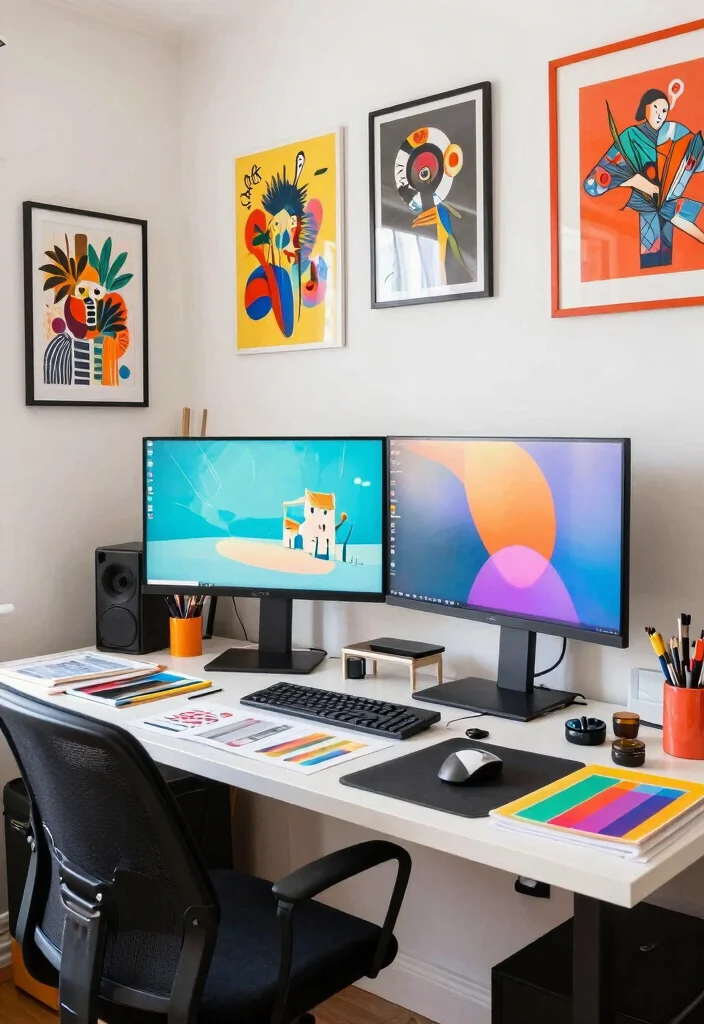
Ignite your creativity with an artistic dual monitor setup that showcases your personality and flair. This workspace seamlessly blends functionality with artistic expression, featuring art supplies, creative decor, and inspiring visuals. Whether you’re a designer or a writer, this setup encourages imagination and productivity.
To create your artistic haven, choose a desk that provides ample workspace, and decorate with items that inspire you, such as colorful prints or sketches. Keep art supplies organized in stylish containers for easy access. Consider adding mood boards or inspiration walls to fuel your creativity as you multitask across your dual monitors.
Incorporate these artistic elements into your workspace:
– Use a spacious desk for creative projects
– Decorate with inspiring artwork and prints
– Organize art supplies in stylish containers
This artistic approach not only enhances your workspace’s appeal but also emphasizes how personalized textures and materials can inspire creativity.
Fun fact: A two monitors desk setup can boost creative flow by up to 40% when your art supplies are within arm’s reach. Keep color swatches and sketches nearby to fuel ideas without breaking momentum.
10. Vintage-Inspired Desk Setup
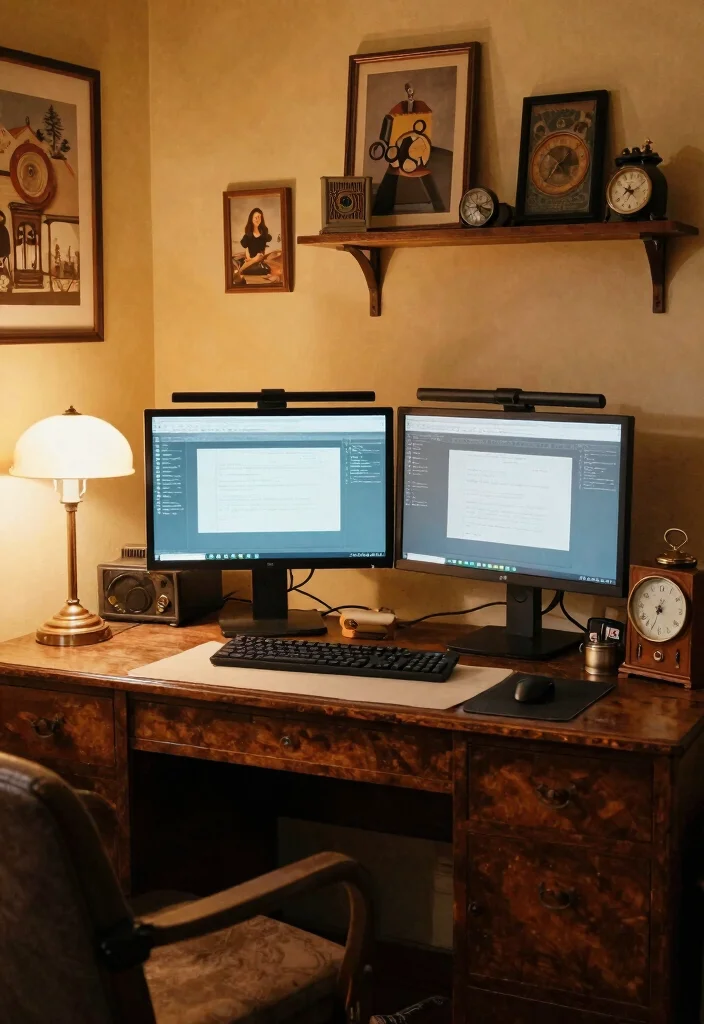
For those who cherish nostalgia, a vintage-inspired dual monitor setup creates a warm and inviting workspace. With antique furniture, retro decor, and a charming aesthetic, this style combines functionality with character. The vintage touch allows you to work in an environment that feels unique and reminiscent of the past.
Look for a vintage desk with intricate details or a distressed finish to add character to your space. Incorporate retro accessories like an old-fashioned desk lamp or a classic clock to enhance the nostalgic vibe. A warm color palette further enhances the cozy atmosphere, transforming your dual monitor setup into a beloved nook rather than just an office.
Incorporate these vintage features into your workspace:
– Seek antique furniture for character and charm
– Use retro decor elements for a nostalgic touch
– Create a cozy atmosphere to inspire creativity
This vintage-inspired approach not only enriches your workspace with personality but also showcases how chosen textures and materials can create a comfortable and inviting environment.
11. Dual Monitor Setup with Inspirational Views
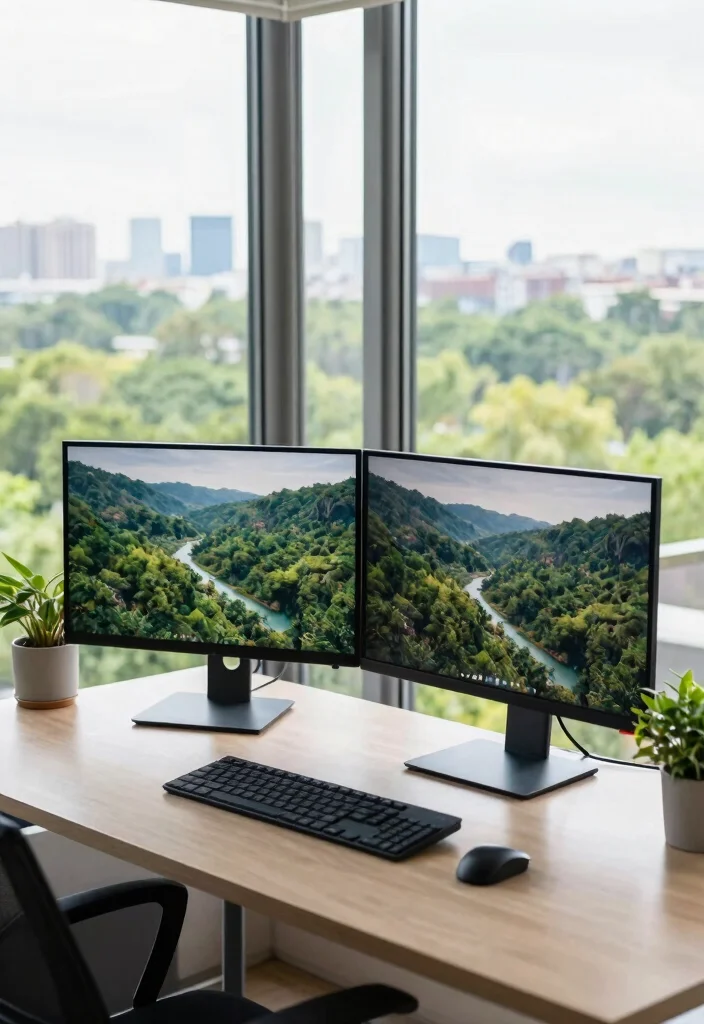
Harness the power of your surroundings with a dual monitor setup that features breathtaking views. Position your desk by a window or balcony to gaze at nature or the cityscape. This workspace offers tranquility and inspiration, enhancing productivity while keeping your mind refreshed.
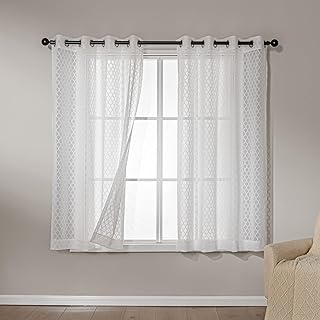
Choose a desk that allows you to face the view, maximizing your connection to the outside world. Use sheer curtains to maintain brightness while minimizing screen glare. Incorporating plants or other natural elements into your workspace complements the view, creating a seamless indoor-outdoor flow.
Consider these features for an inspiring dual monitor setup:
– Position your desk to face beautiful views
– Use sheer curtains to manage light
– Incorporate plants to enhance the connection to nature
This approach not only boosts your productivity but also highlights how a well-placed workspace can enhance the overall design through its harmonious connection to the environment.
Dual Monitor Setup with Inspirational Views
Editor’s Choice



12. Ergonomic Focus for Comfort
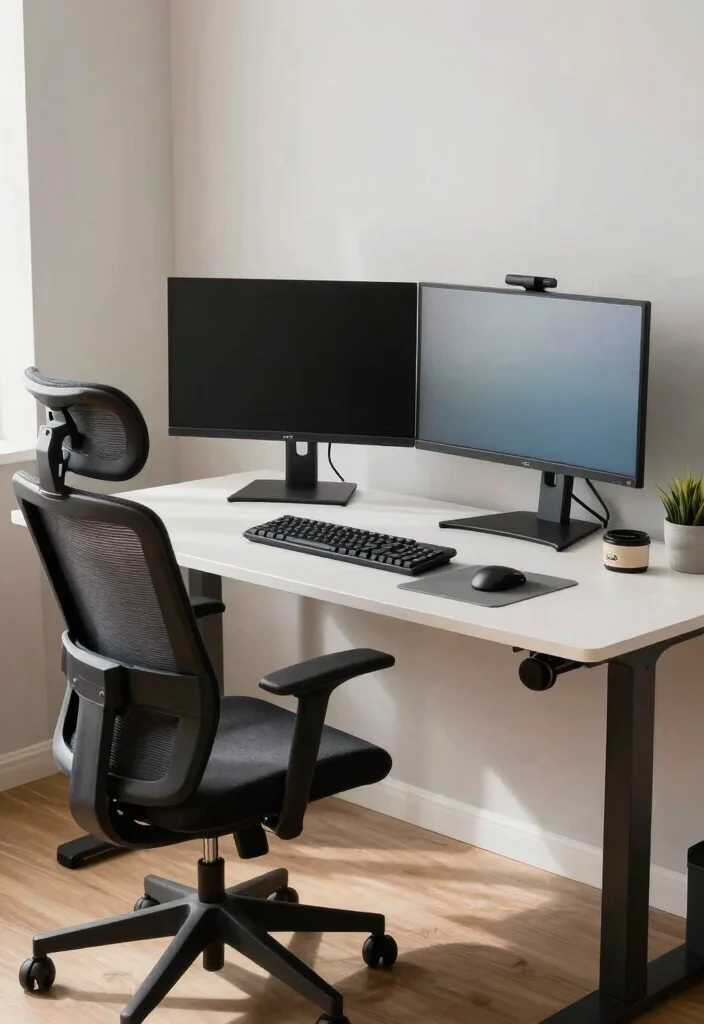
Prioritize your health and comfort with an ergonomically designed dual monitor workspace. This setup emphasizes proper alignment and posture, ensuring that your environment promotes wellness during long hours at your desk. This focus on ergonomics is crucial for maintaining productivity without sacrificing comfort.
To achieve this ergonomic design, invest in adjustable monitor arms that place your screens at eye level, minimizing neck strain. Choose an ergonomic chair that supports your posture, and consider a standing desk option for variety. Include keyboard trays allowing for relaxed typing positions, while cable management solutions help you maintain an organized and health-focused workspace.
Incorporate these ergonomic features for a better workspace:
– Use adjustable monitor arms for comfort
– Choose an ergonomic chair to support posture
– Include keyboard trays for relaxed typing
This ergonomic focus not only enhances your comfort but also illustrates how thoughtful design can significantly improve your overall workspace experience.
13. Color-Coded Organization
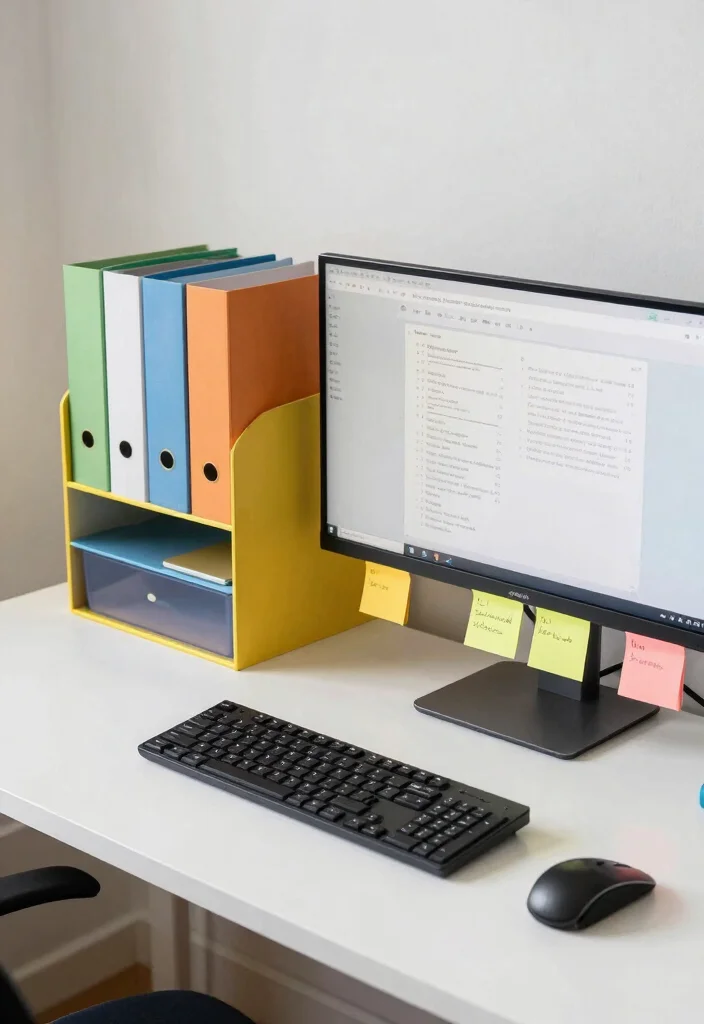
For those who thrive on organization, a color-coded dual monitor setup helps keep you focused and productive. This strategy utilizes colors to categorize tasks, documents, and supplies, making it easier to find what you need without hassle. This visually appealing method enhances both functionality and aesthetic appeal.
To implement this organization system, select storage solutions like folders, organizers, and cable ties in various colors corresponding to your tasks or projects. Use colorful sticky notes on your monitors to highlight important reminders or deadlines. Incorporating a vibrant color palette into your accessories can maintain a lively and visually appealing workspace.
Consider these features for a color-coded workspace:
– Use color-coded storage solutions for efficiency
– Highlight reminders with colorful sticky notes
– Incorporate vibrant accessories for visual appeal
This color-coded approach not only enhances your workspace’s organization but also showcases how thoughtful design can elevate your productivity.
Color-Coded Organization
Editor’s Choice




14. Textured and Layered Look
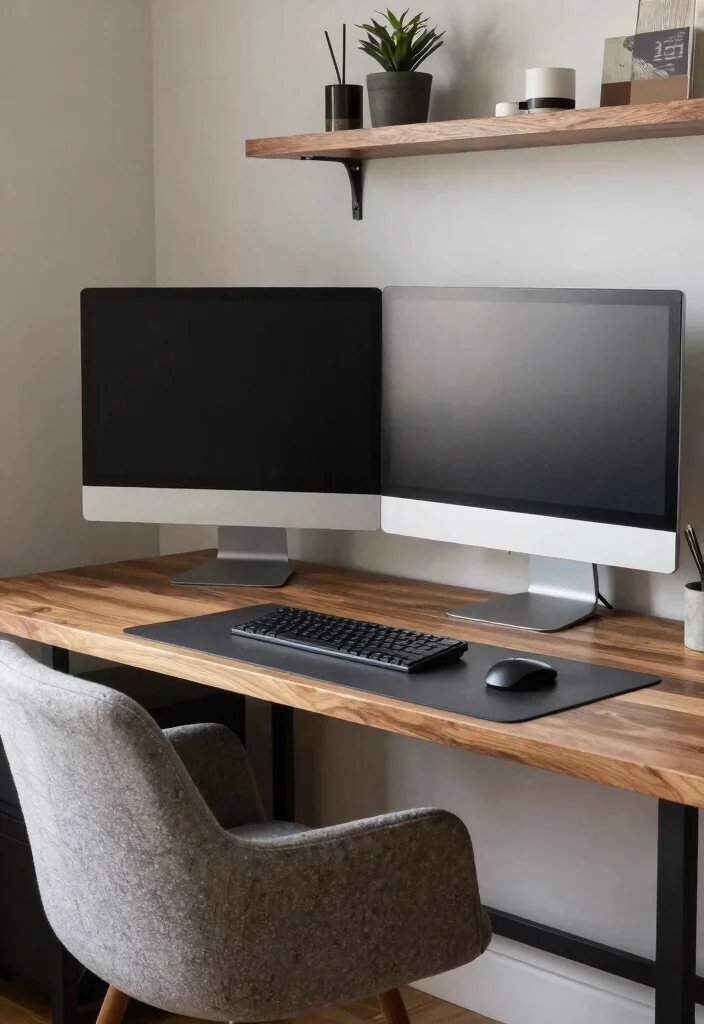
Add depth to your dual monitor setup with a textured and layered design. Combining various materials and textures creates an engaging and dynamic workspace that invites creativity. This setup is perfect for those who appreciate tactile elements in their environment, enhancing both visual and physical comfort.
Incorporate a mix of materials like wood, metal, and fabric within your workspace. For example, a wooden desk paired with metal shelving and fabric elements like a soft chair or textured curtains can create a harmonious look. Layer your decor with items arranged at different heights, such as stacked books beneath a plant or decorative objects, to enhance visual interest while maintaining organization.
Incorporate these textured elements into your workspace:
– Mix materials like wood, metal, and fabric
– Layer decor for depth and interest
– Keep organization clean and functional
This textured approach not only enriches your workspace’s design but also highlights how diverse materials can enhance the overall aesthetic.
15. Customizable Modular Setup
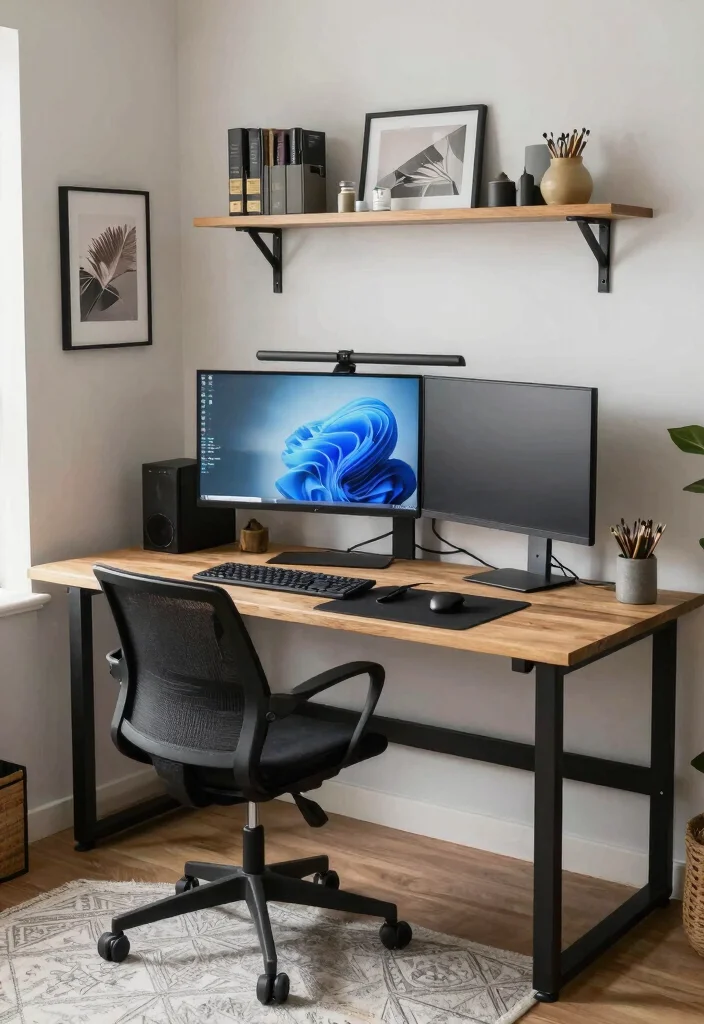
Explore a customizable modular dual monitor setup that adapts effortlessly to your work style and preferences. Modular furniture allows you to rearrange elements easily, making it a flexible choice for dynamic work environments. This adaptability ensures your workspace can evolve with your needs.
To create this versatile setup, choose modular desks and shelving systems that can be reconfigured as necessary. This flexibility allows you to design an organized workspace that grows with your workflow. Enhance your setup with adjustable monitor arms or movable carts for additional functionality, and personalize your space with items that inspire you.
Consider these features for a modular setup:
– Select adjustable and modular furniture for flexibility
– Create versatile layout options to fit your needs
– Personalize items that reflect your style
This customizable approach not only enhances your workspace’s functionality but also illustrates how thoughtful design can adapt to your personal style.
16. Dual Monitor Efficiency Hacks
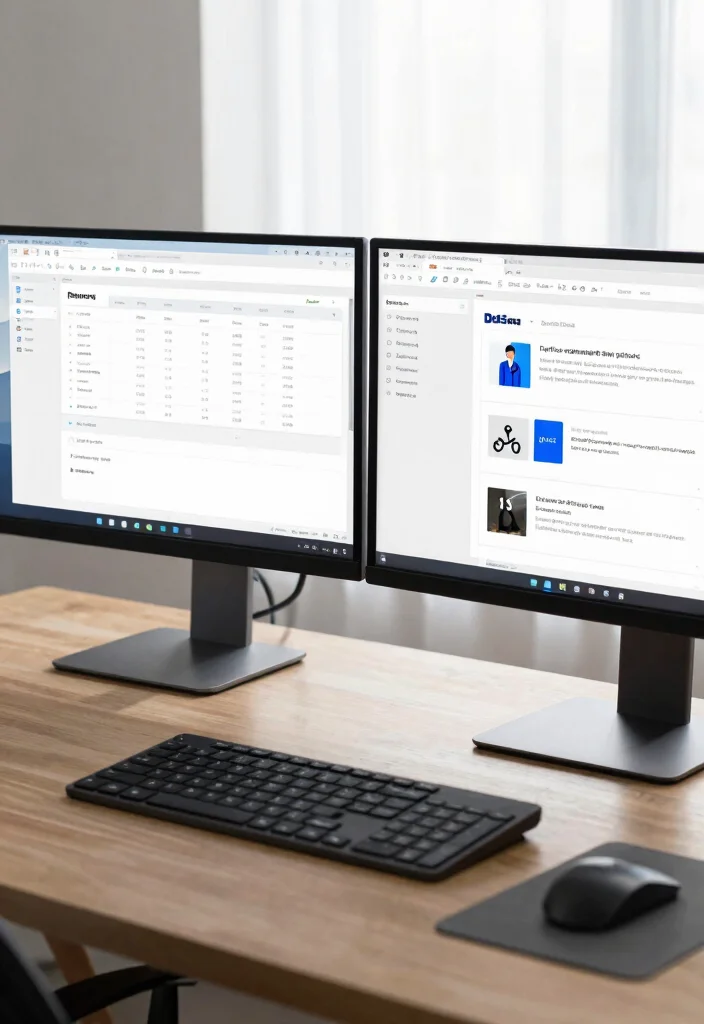
Maximize your productivity with dual monitor efficiency hacks that optimize your workspace for better workflow. From keyboard shortcuts to app organization strategies, these tips help you make the most of your dual setup. Streamlining your workspace can lead to significant time savings and enhanced focus.
Utilize keyboard shortcuts to switch between applications quickly, minimizing time spent navigating your interface. Organize your apps across both screens based on usage to maintain focus on your tasks. Implementing a digital task manager can help keep your projects organized, while tools that allow custom screen layouts ensure everything you need is easily accessible.
Consider these efficiency hacks for your dual monitor setup:
– Use keyboard shortcuts for seamless navigation
– Organize apps based on usage for focus
– Implement a digital task manager for organization
This approach not only enhances your productivity but also showcases how effective strategies can improve your overall workspace experience.
Conclusion
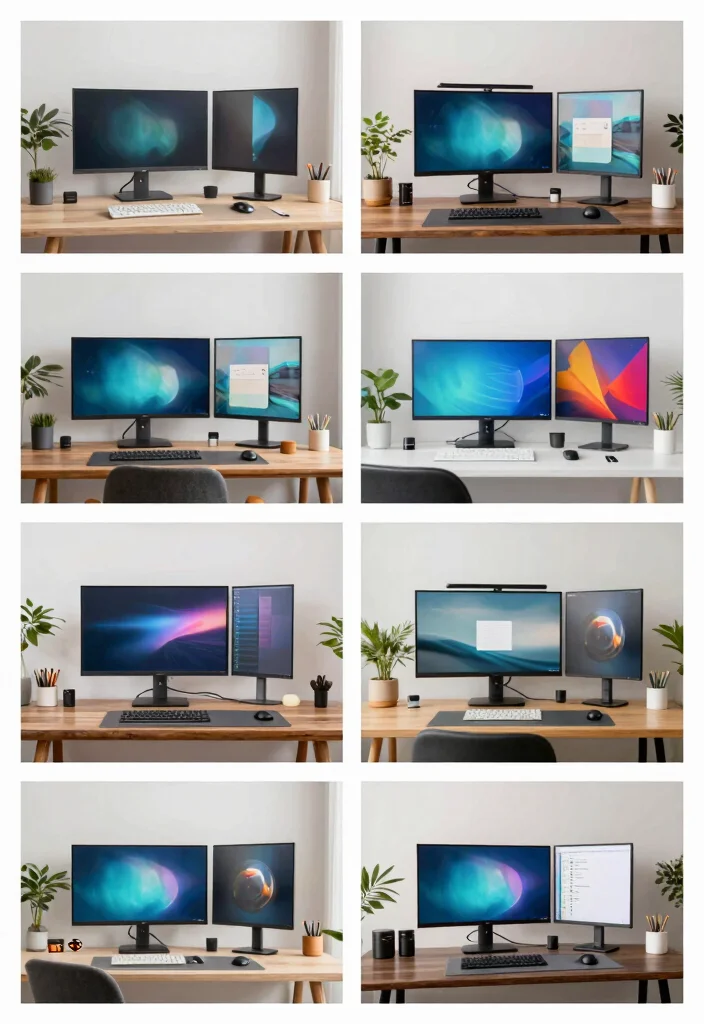
Creating an ergonomic two monitors desk setup in a small space can significantly enhance your productivity and comfort. From minimalistic designs to vibrant, inspiring environments, the possibilities are endless. Choose a style that reflects your personality and meets your workflow needs, and make your workspace a place where you thrive.
Note: We aim to provide accurate product links, but some may occasionally expire or become unavailable. If this happens, please search directly on Amazon for the product or a suitable alternative.
This post contains Amazon affiliate links, meaning we may earn a small commission if you purchase through our links, at no extra cost to you.
Frequently Asked Questions
What are the best two monitors desk setup ideas for small spaces to boost workflow?
For small spaces, start with a compact monitor arm or wall mount to free desk real estate. With a solid two monitors desk setup, place your primary monitor directly in front and the secondary monitor at a slight angle so you can glance without twisting. Keep cables tidy with a cable tray, and consider a slim sit-stand desk converter to alternate between sitting and standing. Optional add-ons: a keyboard tray and under-desk storage. This setup also supports a dual monitor workspace and ergonomic workstation setup.
How should I arrange my two monitors for maximum productivity in a small home office?
Center the primary monitor at eye level, place the secondary at a similar height to the side, and angle them about 15-30 degrees toward you. Keep frequently used apps on the primary and reference materials on the secondary. Use a monitor arm to adjust height and distance easily. Manage cables and designate zones for tasks to support home office organization and productivity desk design.
What are budget-friendly ergonomic tips for a two monitors desk setup?
Invest in an affordable dual-monitor arm, ensure both screens align at the same height, and use an adjustable chair that supports good posture. Add a keyboard tray or a compact desk surface saver. Improve lighting to reduce eye strain and consider anti-glare screens. This helps with ergonomic workstation setup and two monitors desk setup.
Should I choose a dual monitor stand or a wall mount for a small space?
A dual monitor stand clamps to the desk and saves surface area; a wall mount frees floor space but requires wall installation and clearance. If you need frequent reconfiguration, a full-motion arm is best. For tight spots, a wall-mounted arrangement with pivoting arms often yields the most flexibility in a multi-screen productivity solutions approach.
What accessories or desk layout ideas can improve workflow with two monitors?
Use a docking station or USB-C hub to simplify connections, a wireless keyboard and mouse to reduce cable clutter, and a clean cable-management system. Create a slight curved monitor setup for comfortable viewing, add task lighting, and keep a dedicated space for notes near the primary monitor. This supports home office organization and productivity desk design.
Related Topics
home decor
workspace design
dual monitor setup
ergonomic workstation
small space solutions
productivity hacks
minimalist office
easy organization
multi-screen setup
modern office
home office tips
beginner friendly